BMW coding online
Interior Lighting Colors.
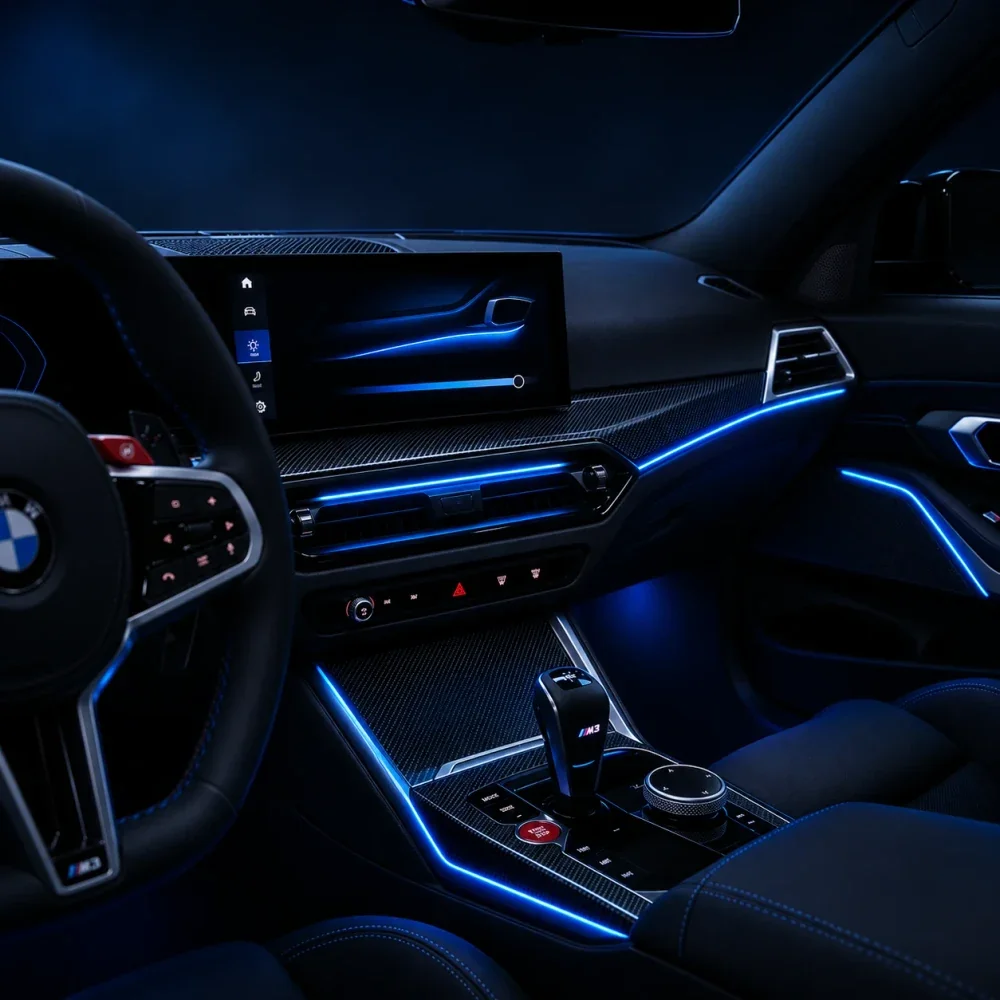
The LED strips in your BMW can light in more colours than iDrive shows. New entries cannot be added to the menu: the number of slots stays as from the factory, but we can replace each of them with another colour from the module’s palette.
01 / Interior Lighting Colors
How this feature works
- 01
We connect to the car
In the online session, through the ENET cable and your laptop, we open the module that controls the interior lighting.
- 02
We swap the colours
We agree which factory entries to replace and with which shades, then change the coding. The number of entries in the menu stays the same.
- 03
You choose in iDrive
The new colours appear under the existing entries in the interior lighting settings. You change them whenever you like, like any other setting.
02 / Interior Lighting Colors
What you get
- Selected factory colours replaced by other shades from the module’s palette
- Selection in iDrive, in every zone your car has
- The colour list checked in the menu while the session is still running
- About 5 minutes online, on its own or together with other services
03 / Interior Lighting Colors
What changes in the car
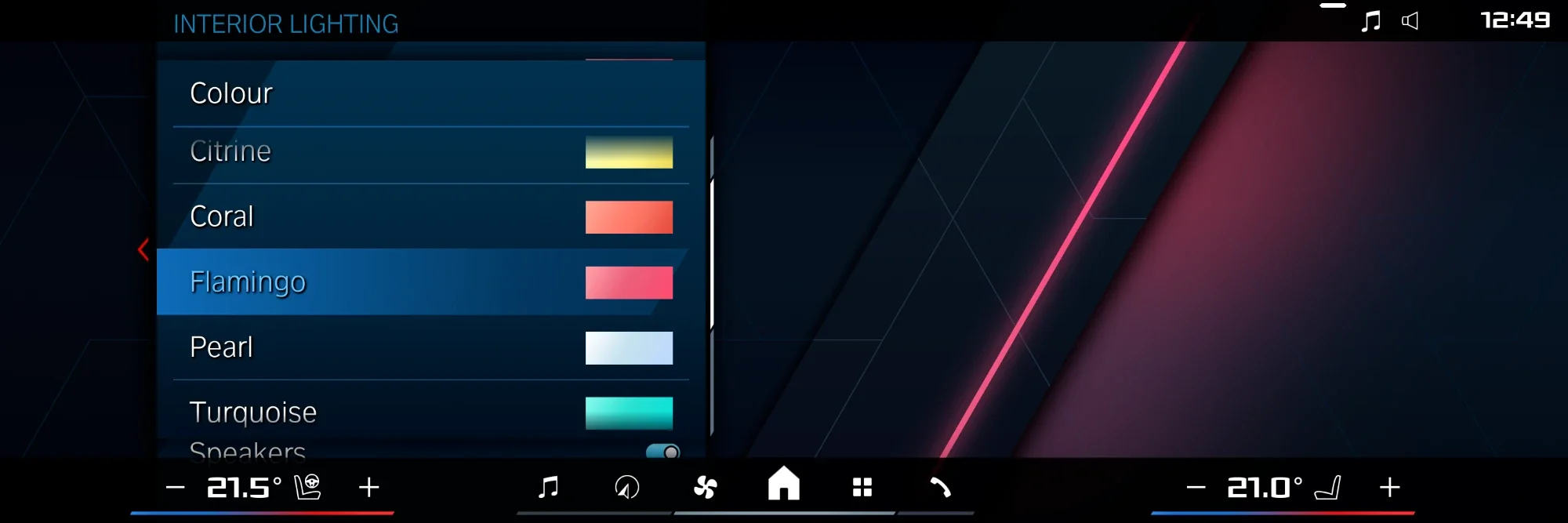
The interior lighting menu in iDrive: the same entries as from the factory, but some of them now hold the new colours.
Ambient lighting in a BMW is a set of LED strips in the doors, the dashboard and the console, driven by one module. The factory menu shows only part of the colours that module can display.
The coding adds no new slots to the menu; it replaces the contents of the existing ones. We fit nothing new and touch no wiring: we change only software settings the manufacturer provides for other versions or markets.
After the session the chosen menu entries hold the new colours, and every factory function keeps working: brightness, the welcome light when a door opens and the link between colour and driving mode, if your car has it.
Good to know
The exact colour list depends on the car generation and the lighting version. If you want to know what your model gets, ask before buying.
Do I get more entries in the menu?
No. The number of entries stays as from the factory. We replace chosen entries with other colours from the module’s palette, usually a few shades the standard menu does not show.
Does it affect the warranty?
It is a coding change, not a hardware change, and it can be reversed. If you have doubts about your car, write on WhatsApp.
Can I set different colours in different zones?
If your car has two-zone lighting from the factory, the additional colours work in both zones. We do not add zones the hardware does not have.
Will the colours disappear after a software update of the car?
A dealer software update may restore the factory coding. If that happens, we restore the settings in a later, paid session.